I’m Nathan, and I’ve worked as an HVAC technician for over 10 years. Fujitsu systems are some of my favorites because they’re efficient, quiet, and smart. But I’ll be honest with you, the thermostat or remote symbols can look like a tiny row of “mystery icons” until someone explains what they actually mean.
In this guide, I will tell you all the fujitsu symbol and what do they mean.
- Why Fujitsu Thermostat Symbols Matter (More Than People Think)
- Quick Reference Table: Common Fujitsu Thermostat Symbols
- Basic Fujitsu Thermostat Symbols (The Ones You’ll Use Every Week)
- Mode Symbols (Cool, Heat, Auto, Dry)
- Fan Symbols and Fan Speed (This Impacts Comfort a Lot)
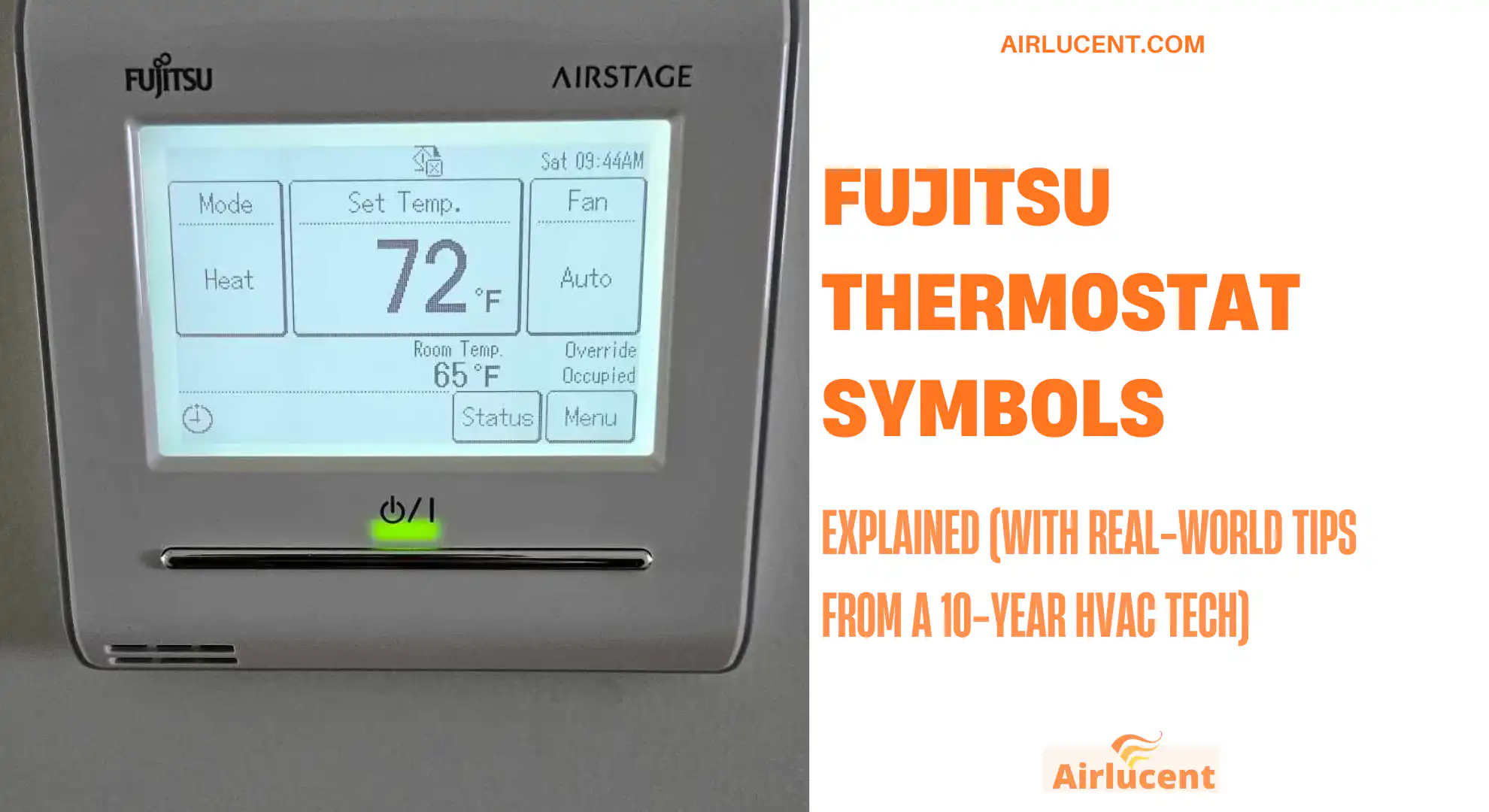
- Temperature Display Symbols (Set Temp vs Room Temp)
- Advanced Fujitsu Thermostat Symbols (The Ones That Confuse People)
- Airflow Direction and Swing Symbols
- Timer and Schedule Symbols (Huge for Savings)
- Maintenance and Warning Symbols (Don’t Ignore These)
- Troubleshooting Guide: Symbol Appears, What Should You Check?
- My Best Tips for Using Fujitsu Thermostat Symbols Efficiently
- When You Should Call a Professional
- Final Thoughts
- FAQs
Why Fujitsu Thermostat Symbols Matter (More Than People Think)
Those symbols aren’t just decoration. They tell you:
- What mode your system is in (cooling, heating, drying, auto)
- What the fan is doing (auto vs fixed speed)
- Whether airflow is swinging or locked
- Whether a timer or schedule is active
- Whether the system is protecting itself (defrost, standby)
- When maintenance is due (filter reminder)
- When there’s an actual problem (error codes)
Quick Reference Table: Common Fujitsu Thermostat Symbols

Here’s the “cheat sheet” version I wish every homeowner had taped inside a kitchen cabinet.
| Power (circle with line) | System On or Off | Turning the unit on or shutting it down |
| AUTO | Auto changeover | When you want it to switch between heat and cool automatically |
| Snowflake | Cooling mode | Hot weather, lowering room temperature |
| Sun or flame | Heating mode | Cold weather, warming the room |
| Water droplet | Dry mode (dehumidify) | Humid days when you feel sticky but don’t need heavy cooling |
| Fan icon | Fan mode or fan speed | Air circulation or setting fan speed |
| Fan + AUTO | Automatic fan speed | System decides fan speed based on demand |
| One to three fan bars | Low, medium, high fan | When you want quiet operation or faster airflow |
| Up-down swing arrows | Vertical swing | Direct air up/down across the room |
| Left-right swing arrows | Horizontal swing | Sweep air side-to-side for coverage |
| Clock / timer | Timer functions | Set start/stop times, sleep settings |
| Filter icon | Clean filter reminder | Time to wash or replace filters |
| Defrost icon (varies) | Outdoor defrost cycle | Normal in heating during cold damp weather |
| “E” or “F” code | Error code | Signals a fault that needs troubleshooting |
Basic Fujitsu Thermostat Symbols (The Ones You’ll Use Every Week)
Power Symbol (On/Off)
Usually shown as a circle with a vertical line.
What it does:
- Turns the indoor unit on or off.
Mode Symbols (Cool, Heat, Auto, Dry)
AUTO Mode
Usually shown as “AUTO” or a circular arrow.
What it does:
- Automatically switches between heating and cooling to maintain your set temperature.
When I recommend it:
- Spring and fall, when mornings are cold and afternoons get warm.
When I don’t:
- If you’re trying to control humidity carefully, or if someone in the home is sensitive to temperature swings.
Cool Mode (Snowflake)
What it does:
- Runs the system like an air conditioner.
Real-world tip:
- If you set the temperature extremely low hoping it cools faster, it usually doesn’t cool “faster,” it just runs longer. For faster comfort, you’re better off using Powerful mode (if available) or increasing fan speed temporarily.
Heat Mode (Sun or Flame)
What it does:
- Runs the system as a heat pump.
What homeowners often misunderstand:
- Heat pumps don’t always feel like a furnace. The air may feel “warm-ish,” not blazing hot. That can still heat the room efficiently.
Dry Mode (Water Droplet)
What it does:
- Focuses on removing humidity. It may cool a little, but comfort comes mostly from lowering moisture.
When it shines:
- Humid summer days when the temperature isn’t crazy high, but the house feels muggy.
HVAC reality check:
- Dry mode typically runs the fan slower and cycles the compressor differently. It’s great for comfort, but not always the fastest way to drop temperature.
Fan Symbols and Fan Speed (This Impacts Comfort a Lot)
Fan Auto
Usually a fan icon with “AUTO.”
What it does:
- The system chooses fan speed based on how far you are from the set temperature.
Why you might like it:
- It’s “set it and forget it.”
- It avoids blasting air when it’s not needed.
Low, Medium, High Fan
Usually shown with 1, 2, or 3 bars (or a fan icon that changes).
What it does:
- Locks fan speed.
How I explain it in homes:
- Low fan is quieter and can help with dehumidification.
- High fan can cool or heat the space more evenly, faster.
Temperature Display Symbols (Set Temp vs Room Temp)
Depending on your controller, you may see:
- Set temperature: your target
- Room temperature: current sensed temperature (may be at the controller, not the center of the room)
Tech tip from the field:
- If your controller is in a hallway or near a kitchen, the “room temp” can be misleading. Cooking, sunlight, and drafts can skew it.
Advanced Fujitsu Thermostat Symbols (The Ones That Confuse People)
Economy Mode (ECO / Leaf)
What it does:
- Reduces energy use by limiting output or adjusting the target behavior.
Who should use it:
- Anyone who wants lower bills and doesn’t mind slightly slower temperature changes.
Practical note:
- ECO is great overnight or when you’re away. If you have guests over and want faster comfort, switch it off temporarily.
Powerful Mode (Often “POWERFUL” or a fast/boost icon)
What it does:
- Runs the system more aggressively to reach the set temperature faster.
When I recommend it:
- When you first get home and the place is uncomfortable.
My caution:
- It’s not meant to run 24/7. Use it like a “boost,” then return to normal or ECO.
Airflow Direction and Swing Symbols
Vertical Swing (Up and Down)
What it does:
- Moves louvers to spread air vertically.
Comfort tip:
- In cooling, aim airflow slightly upward for better mixing.
- In heating, a bit more downward can help you feel warm faster.
Horizontal Swing (Left and Right)
What it does:
- Sweeps air across the room horizontally.
Great for:
- Wide rooms, open living spaces, and avoiding hot or cold spots.
Timer and Schedule Symbols (Huge for Savings)
On Timer
What it does:
- Starts the system at a chosen time.
Example:
- Set it to turn on 30 minutes before you wake up.
Off Timer
What it does:
- Shuts the system off at a chosen time.
Example:
- If you like falling asleep cool but don’t want it running all night.
Program Timer (Schedule)
What it does:
- Lets you set different temperatures or run times across the day or week (depending on controller).
Why this matters:
- A schedule prevents the “all day, same temperature” habit that runs bills up.
Energy and Comfort Stats You Can Actually Use
Here are two data points I share often because they’re simple and proven:
Recommended energy-saving setpoints (U.S. Department of Energy)
| Summer | 78°F (26°C) |
| Winter | 68°F (20°C) |
Source: U.S. Department of Energy guidance on thermostat settings.
How much can setbacks save?
The U.S. Department of Energy also notes you can save around up to 10 percent per year on heating and cooling by setting back your thermostat 7 to 10°F for 8 hours a day (when you’re asleep or away).
That’s exactly why timers and schedules are worth learning.
Maintenance and Warning Symbols (Don’t Ignore These)

Filter Indicator Symbol
What it means:
- Time to clean the filter.
What I’ve seen in the field:
- A dirty filter is one of the most common reasons Fujitsu mini-splits lose performance or start smelling musty.
Basic homeowner steps:
- Turn the unit off.
- Open the front panel.
- Remove filters.
- Vacuum or rinse gently, let dry completely.
- Reinstall.
How often?
- Many systems remind around operating-hour intervals, but real life matters more. If you have pets, renovations, dusty roads, or heavy use, check monthly.
Defrost Symbol (Heating Mode)
What it means:
- The outdoor unit is defrosting to remove ice buildup.
What you’ll notice:
- The system may pause heating briefly, airflow may change, and you might see steam outside. That’s usually normal.
When it’s not normal:
- If defrost happens constantly, heating never recovers, or you see heavy ice buildup that doesn’t clear, it’s time for service.
Error Codes (E1, E2, F1, etc.)
What it means:
- The system detected a fault (communication issue, sensor problem, fan motor issue, refrigerant-related protection, and more).
What you should do:
- Write down the exact code.
- Power cycle once (off for 60 seconds, then on).
- If the code returns, stop cycling it repeatedly and get help. Repeated resets can hide a real problem and sometimes make diagnosis harder.
Troubleshooting Guide: Symbol Appears, What Should You Check?
| Filter icon | Filter needs cleaning | Clean filters, check for blocked return air |
| Defrost icon in heat | Normal defrost cycle | Wait 5 to 15 minutes, heating should resume |
| Timer icon won’t go away | Timer or schedule is active | Disable timer, check program schedule |
| AUTO mode but it’s cooling when you want heat | Auto changeover logic | Switch to HEAT manually if preferred |
| Fan icon but poor airflow | Fan set low or coil dirty | Increase fan speed, clean filters |
| Flashing temp | System working toward setpoint or protection delay | Give it time; check if doors/windows open |
| Error code | Fault condition | Record code, reset once, call service if it returns |
My Best Tips for Using Fujitsu Thermostat Symbols Efficiently
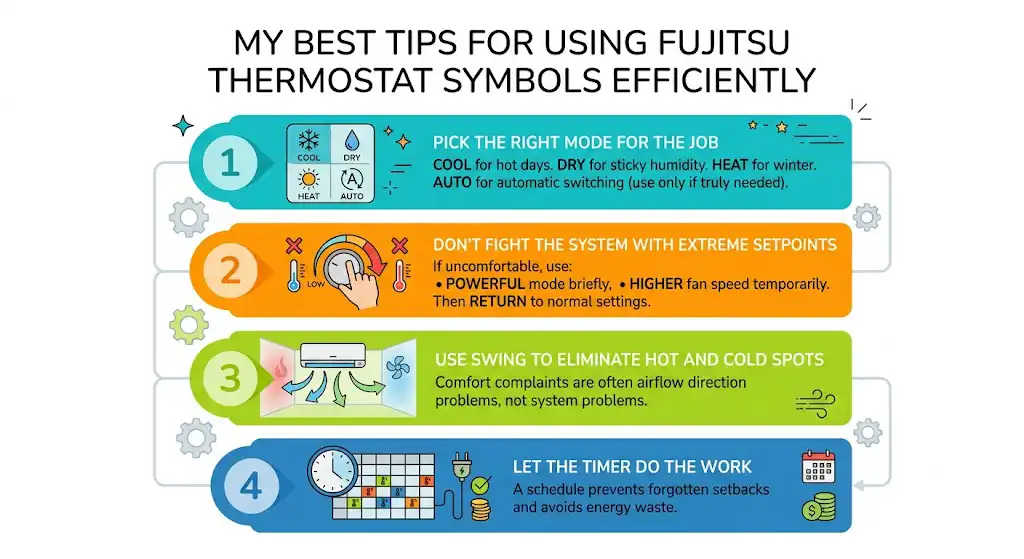
1) Pick the right mode for the job
- Use COOL for hot days.
- Use DRY for sticky humidity.
- Use HEAT for winter.
- Use AUTO only if you truly want automatic switching.
2) Don’t fight the system with extreme setpoints
If you’re uncomfortable, use:
- Powerful mode briefly, or
- A higher fan speed temporarily
Then return to normal settings.
3) Use swing to eliminate hot and cold spots
A lot of comfort complaints aren’t “system problems,” they’re airflow direction problems.
4) Let the timer do the work
If you forget setbacks, you’ll waste energy. A schedule does it for you.
When You Should Call a Professional
As a tech, here’s when I’d rather you call than guess:
- Error codes that return after one reset
- Unit is stuck in defrost frequently or outdoor unit is icing heavily
- Burning smell, electrical odor, or buzzing that’s new
- Water leaking indoors beyond minor condensation
- Weak airflow even with clean filters (could be blower, coil, or drainage related)
Final Thoughts
Once you understand Fujitsu thermostat symbols, you stop feeling like the system is “doing random things.” You’ll know exactly what mode you’re in, why the fan is acting differently, when a timer is controlling things, and when the unit is simply protecting itself.
FAQs
What does it mean if multiple symbols are flashing?
Often it points to a reset condition, a communication issue, or a fault state. Try one power cycle. If it returns, record what you see and schedule service.
How often should the filter symbol come on?
It depends on runtime and model. In real homes, I recommend checking filters monthly and cleaning as needed, especially with pets or dust.
Can I override Economy mode if I need fast cooling?
Yes. Switch back to COOL (normal) or use Powerful mode for a short boost, then return to ECO if you want savings.
Why doesn’t the room temperature match the set temperature immediately?
Because HVAC works in cycles and needs time to move heat. Also, the temperature sensor may be reading near the controller, which can be warmer or cooler than where you’re sitting.