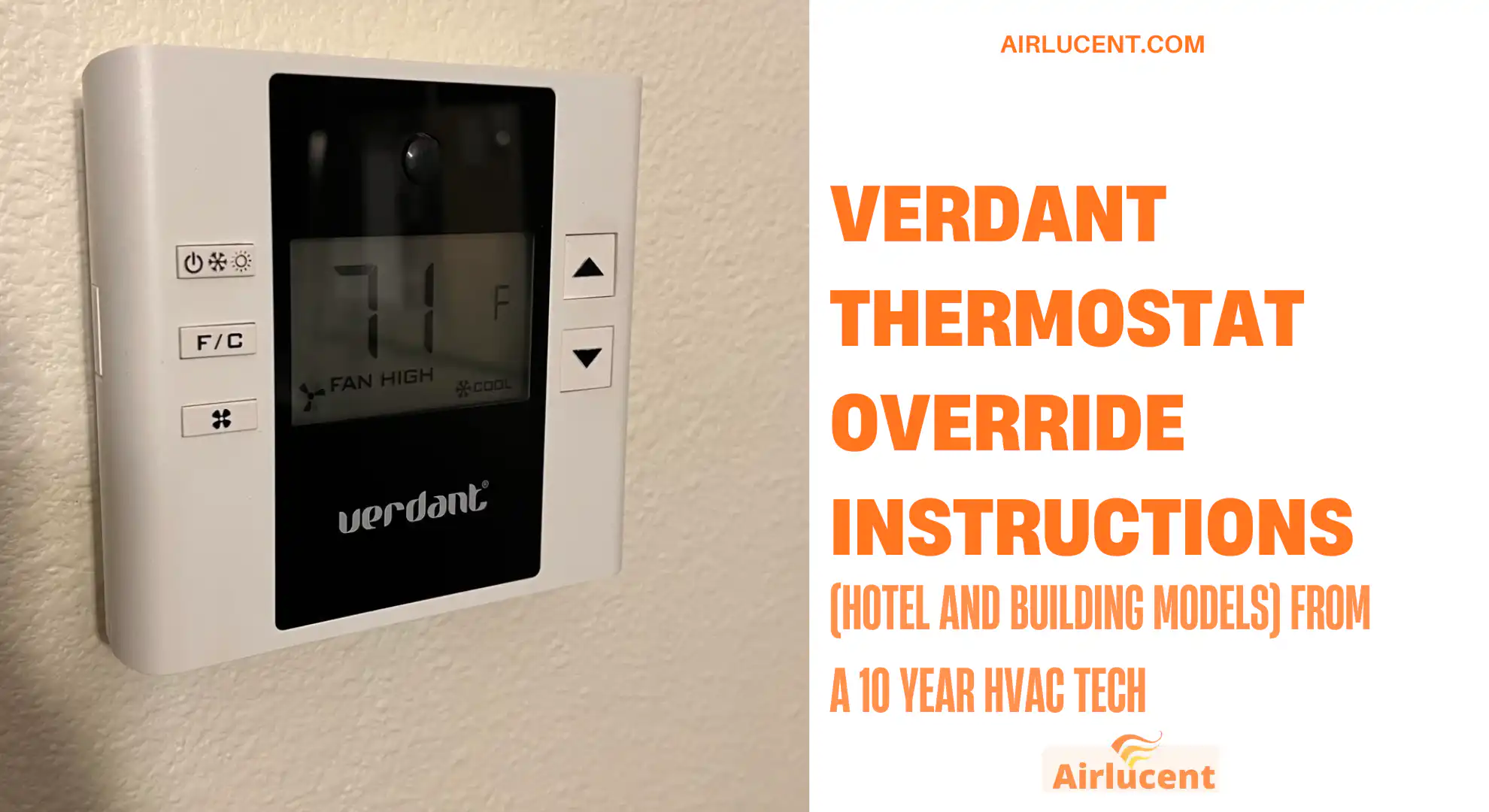
Hi, I’m Nathan. I’ve worked as an HVAC technician for over 10 years, and I’ve run into Verdant thermostats in hotels, apartments, and commercial buildings more times than I can count. They’re solid thermostats, but they’re designed to save energy first, which is why they sometimes feel like they’re “fighting you” when you try to change the temperature.
In this guide, I’m going to show you the practical, real world ways to override or regain control of a Verdant thermostat. I’ll cover:
- The normal guest controls (what you should try first)
- Temporary and permanent override behavior (what the thermostat is actually doing)
- The Energy Savings preset setting (E0 to E5) that building staff use
- Troubleshooting when the thermostat keeps resetting or won’t respond
- What a Verdant Thermostat Is (And Why It Feels Restricted)
- Before You Override Anything: Try These Basic Verdant Controls First
- Verdant Thermostat Override Options (What “Override” Can Mean)
- How to Override a Verdant Thermostat in a Hotel (Guest Friendly Steps)
- Verdant Thermostat Override Instructions (Authorized Maintenance Method: Set Energy Savings to E0)
- Why Verdant Thermostats Keep Resetting or “Fighting” Your Setting
- Troubleshooting Verdant Thermostat Override Problems (Fast Fix Table)
- How Long Does a Verdant Override Last?
- Can You Disable the Occupancy Sensor on Verdant?
- Why Hotels Set Temperature Limits (The Real Reasons)
- My Best Advice If You Just Want Comfort (Without the Headache)
- FAQ
What a Verdant Thermostat Is (And Why It Feels Restricted)
Verdant thermostats are built for energy efficiency in hospitality and commercial spaces. Many models use:
- Occupancy sensors (they change behavior when the room looks empty)
- Temperature setpoint limits (you can only adjust within a certain range)
- Energy Saving presets (automatic setbacks when unoccupied)
- Central management (some hotels control settings from a front desk or building system)
From the HVAC side, I can tell you the “limits” are usually not because the thermostat is broken. It’s typically configured that way on purpose.
Quick stats that explain why hotels use Verdant
These are widely cited ranges in energy and building operations:
| Programmable thermostat savings (heating and cooling) | Around 10 percent per year | Setbacks save real money over time |
| Occupancy based HVAC controls savings in hotels | Often reported around 20 to 30 percent | Empty rooms cost a lot to condition |
| Most common hotel comfort setpoint band | Roughly 68 to 74 Fahrenheit | Hotels aim to keep guests comfortable but controlled |
Real world note from my work: in many hotels, a few rooms set to extremes can create complaints in adjacent rooms, especially in older buildings with shared ductwork or imperfect balancing.
Before You Override Anything: Try These Basic Verdant Controls First
If your Verdant thermostat is letting you adjust normally, you don’t need an “override.” You just need to set the temperature correctly.
How to change the temperature on a Verdant thermostat
- Press the Power button to turn the thermostat on.
- Use the Up or Down buttons to change the set temperature.
- Wait a minute or two. Many systems have built in delays to protect the compressor (normal for AC).
How to confirm the AC actually started
- Set the temperature at least 2 to 3 degrees below the current room temperature.
- Listen for the fan or airflow changes at the vent.
- Give it 3 to 5 minutes if it’s a compressor based system (again, delays are common).
If you can’t go past a certain temperature (example: it will not go below 70), you’re running into setpoint limits or an energy savings profile.
Verdant Thermostat Override Options (What “Override” Can Mean)
In the field, “override” can mean different things depending on the model and how the hotel configured it.
Common Verdant override types
| Temporary override | Lets you change the setpoint for a short time, then it reverts | Many hotel rooms |
| Permanent override | Holds a fixed setpoint until someone cancels it | Facilities, maintenance, some apartments |
| Energy Saving preset change (E0 to E5) | Changes how aggressive the setbacks and limits are | Authorized staff settings |
How to Override a Verdant Thermostat in a Hotel (Guest Friendly Steps)
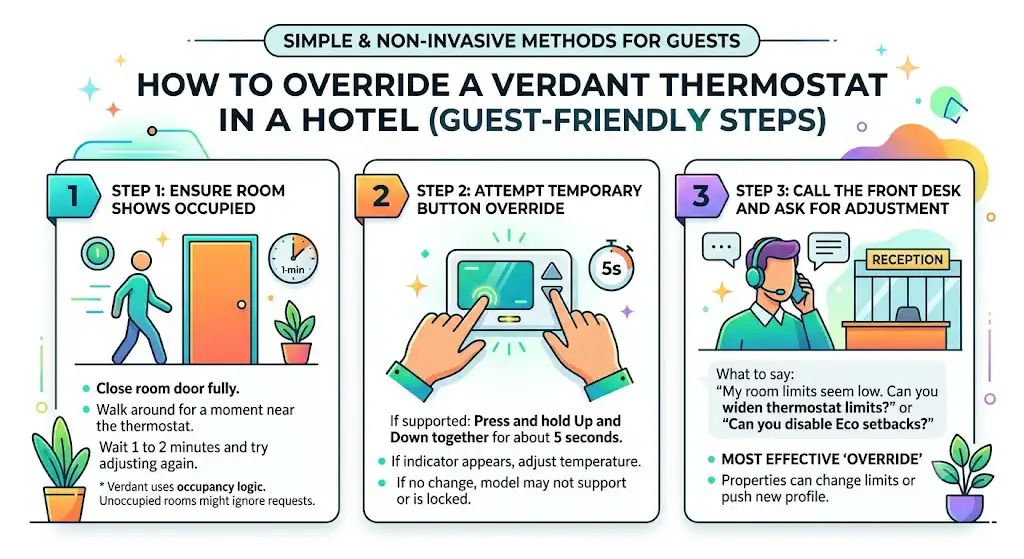
If you’re a guest, here’s what I recommend doing in order. This avoids messing with hardware and gets results fastest.
Step 1: Make sure the thermostat thinks the room is occupied
Verdant often uses occupancy logic. If the room is “unoccupied,” it may ignore your comfort request or drift back.
Do this:
- Close the room door fully
- Walk around for a moment near the thermostat area
- Wait 1 to 2 minutes and try adjusting again
If it still refuses to move past a limit, go to Step 2.
Step 2: Use a temporary override if your model supports it
Some Verdant models allow an override by button combination:
- Press and hold Up and Down together for about 5 seconds (common on several models)
- If an override indicator appears, adjust temperature with Up or Down
If nothing changes, your unit may not support that shortcut, or the hotel may have locked it out.
Step 3: Call the front desk and ask for a setpoint limit adjustment
This sounds simple, but it’s the most effective “override” in hotels. Many properties can change your room’s limits from their system, or they can push a different profile to your thermostat.
What to say:
- “My room won’t go below 72. Can you widen the thermostat limits or disable Eco setbacks for my room?”
If the building is centrally controlled, this is often the only legitimate way to truly override it.
Verdant Thermostat Override Instructions (Authorized Maintenance Method: Set Energy Savings to E0)

If you own the property, manage the building, or you’re authorized maintenance, this is the method I’ve seen most often when someone wants the thermostat to stop enforcing energy setbacks.
What you’re changing
You’re changing the Energy Savings preset to:
- E0: Energy Savings Off
That usually removes the temperature setback behavior and reduces guest ограничения (limits), depending on configuration.
Step by step: set Energy Savings to E0 (Energy Savings Off)
- Turn the thermostat off (Power button).
- Remove the thermostat front cover or screen from the wall mount.
- Typically there are small screws or tabs.
- Use a small screwdriver if required.
- Locate the Energy Savings preset setting.
- Use the Up and Down buttons to scroll through the presets until you see E0.
- Select E0 (Energy Savings Off).
- Press the Power button to save the setting.
- Reattach the thermostat to the wall.
- Turn the thermostat on and test temperature adjustment.
If the thermostat now lets you set any temperature without hitting a hard stop, you’ve successfully removed the energy savings profile that was restricting you.
Verdant Energy Savings presets (what they usually mean)
Different properties configure these differently, but the general idea is consistent: higher energy savings equals stronger setbacks and tighter control.
| E0 | Energy Savings Off | No setback behavior, lowest restrictions |
| E1 | Lowest Energy Savings | Very mild setbacks |
| E2 | Lower Energy Savings | Mild to moderate setbacks |
| E3 | Standard Energy Savings | Common hotel default |
| E4 | Higher Energy Savings | More aggressive drift when unoccupied |
| E5 | Highest Energy Savings | Strong limits and strong unoccupied setbacks |
My technician note: If a hotel is getting hammered on utility costs, they often move from something like E2 or E3 up to E4 or E5. That’s when guests start noticing they “can’t” set what they want.
Why Verdant Thermostats Keep Resetting or “Fighting” Your Setting

This is the part that frustrates people the most, and it’s usually one of these causes.
1) Occupancy sensor is triggering unoccupied mode
If the thermostat thinks nobody is there, it will drift toward an energy saving temperature.
What you’ll notice:
- You set it colder
- It holds briefly
- Then it warms back up later
2) The hotel set hard heating and cooling limits
Even if you change the setpoint, the system may clamp it to a band like 70 to 74.
What you’ll notice:
- The arrows work, but it stops at a number
- Or it “bounces back” to a different setpoint
3) The HVAC system has a protective delay or lockout
This is common with AC compressors to prevent damage.
What you’ll notice:
- You change the setpoint but nothing happens immediately
- After a few minutes, cooling starts
Troubleshooting Verdant Thermostat Override Problems (Fast Fix Table)
Here’s the same checklist I use before I assume something is actually broken.
| Thermostat won’t respond to buttons | Locked controls, low power, or firmware glitch | Power cycle if authorized, otherwise call front desk or maintenance |
| Temperature won’t go lower or higher than a certain number | Setpoint limits | Ask building staff to widen limits or change profile |
| It cools for a bit, then stops and drifts | Occupancy setback | Confirm occupancy, request Eco setback changes |
| Display works but HVAC never turns on | System delay, fan setting, or HVAC fault | Wait 5 minutes, then verify airflow; if still nothing, maintenance |
| Override works but cancels later | Timer based temporary override | Reapply override or request permanent profile change |
If you’re in your own home or building and it’s acting “glitchy,” a full power cycle often helps. In many systems, that means shutting off the HVAC air handler breaker briefly and restoring it. Only do this if you’re comfortable and authorized.
How Long Does a Verdant Override Last?
This depends on the model and how the building programmed it.
Typical behaviors I see
- Temporary overrides often last a set number of hours, then revert.
- Some properties force a nightly reset to a standard schedule.
- Unoccupied mode can cancel your comfort setting if the thermostat decides the room is empty.
If your temperature keeps changing overnight, that’s usually a schedule or property rule, not a random defect.
Can You Disable the Occupancy Sensor on Verdant?
In most hotel configurations, not as a guest. Occupancy sensing is a core part of Verdant’s energy strategy, and many properties do not expose a simple “off” switch.
If you manage the building, sensor behavior is often configurable in the management platform or installer configuration, but it depends on the exact Verdant model and deployment.
Why Hotels Set Temperature Limits (The Real Reasons)
I’ve worked on both sides of this: keeping guests comfortable and keeping equipment alive.
1) Energy conservation
Cooling an empty room to extreme temps is one of the fastest ways to burn money.
2) HVAC maintenance and equipment protection
When someone sets a room to the lowest possible temperature, the system can run continuously. That increases wear on:
- Compressors
- Blower motors
- Valves and relays
- Condensate systems (which can overflow if neglected)
3) Guest comfort across neighboring rooms
In some buildings, one room running very hot or very cold can impact nearby spaces, especially with shared returns, hallway pressure issues, or older insulation.
My Best Advice If You Just Want Comfort (Without the Headache)
If you’re in a hotel and the room is uncomfortable, do these three things:
- Set the thermostat to a realistic target (like 70 to 72) and give it 5 minutes.
- Make sure the room reads as occupied (close door, move around briefly).
- If it still won’t hold or won’t go past a limit, call the front desk and ask for a setpoint limit adjustment or Eco setback reduction.
That last step solves more “Verdant override” complaints than any button sequence ever will.
FAQ
How do I change the temperature on my Verdant thermostat?
Turn it on with the Power button, then use Up and Down to adjust the setpoint. If it won’t go past a number, the property set limits.
What is E0 on a Verdant thermostat?
E0 usually means Energy Savings Off. On many setups, switching to E0 reduces or removes setback behavior. This is generally an authorized maintenance setting, not a guest feature.
Why does my Verdant thermostat go back to a different temperature?
Most often: occupancy setback or a scheduled profile reset. Hotels do this to control energy use.
Is there a universal override for all Verdant thermostat models?
No. Verdant deployments vary a lot by model and by how the property programmed them. Some allow a button combo override, some require management software, and some are locked down.