Hi, I’m Nathan. I’ve worked as an HVAC technician for over 10 years, and I spend a lot of time in basements, utility rooms, garages, and home offices where surge protectors live their whole lives under desks and behind TVs.
Here’s what I can tell you from seeing the results firsthand: surge protectors wear out quietly. They can still power your stuff and still look “fine” while offering little to no surge protection.
So if you’re asking, “How often should I replace surge protectors?” the practical, homeowner-safe answer is:
- Replace most plug-in surge protectors every 3 to 5 years.
- Replace them sooner (2 to 3 years) if you get frequent storms, flickering lights, or outages.
- Replace them immediately after a known major surge or lightning-related event.
I’ll walk you through exactly why, what to look for, and how to choose a better replacement so you’re not guessing.
Why Surge Protectors Need Replacing (Even If They Still “Work”)
A surge protector is not just an extension cord with extra outlets. Inside most surge protectors are components called MOVs (metal oxide varistors). MOVs are designed to absorb or divert excess voltage.
The important part is this:
MOVs degrade over time
Every surge the protector absorbs takes a little life out of those MOVs. Some surges are obvious (power goes out, lightning nearby). Many are not obvious at all.
One widely cited utility estimate comes from DTE Energy, which notes homes can experience up to 150 small power surges in a month. That’s a lot of “tiny hits” you never notice, but your surge protector does.
So even though your protector still powers your TV or computer, the protection part can be worn down.
The Simple Replacement Rule I Recommend

If you want a schedule you can actually follow without overthinking it, use this:
My baseline rule
- Replace plug-in surge protectors every 3 to 5 years
Replace sooner when conditions are rough
- Every 2 to 3 years if you live in an area with:
- frequent thunderstorms
- hurricane season
- heat waves that strain the grid
- regular flickering lights or short outages
- rural overhead power lines (often more outage-prone)
Replace immediately after a major event
- Replace right away after:
- lightning strikes close to your home
- a neighborhood transformer failure
- a storm that caused an outage and then power came back “weird”
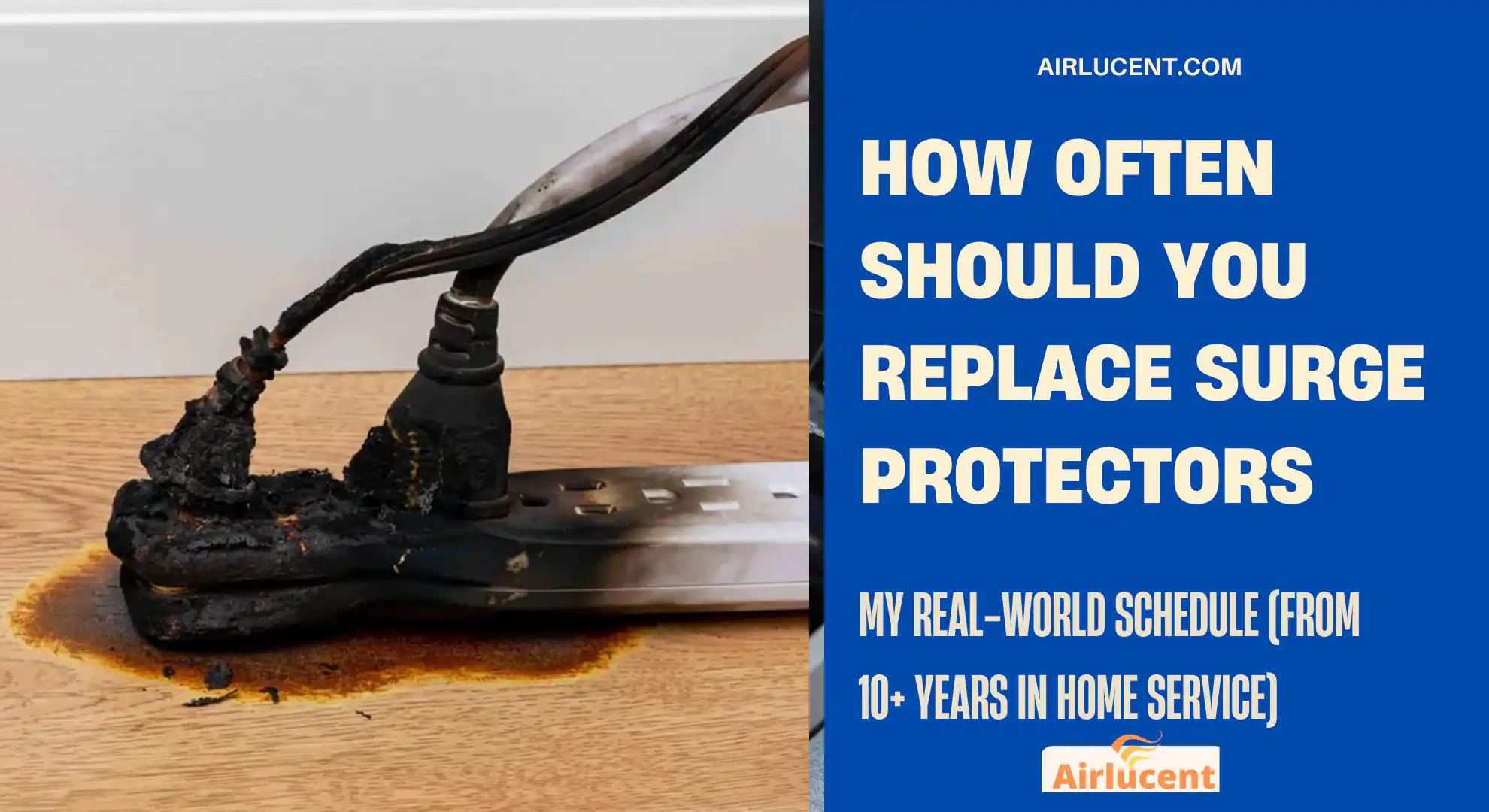
- any event where you smelled electrical burning or saw a protector get hot
Insurance and safety guidance commonly lands in this same range. For example, Liberty Mutual’s home insurance guidance has recommended replacing surge protectors every 3 to 5 years in typical conditions.
Quick Answer Table: When to Replace Surge Protectors
| Normal home, stable power, no major storms | Every 3 to 5 years |
| Frequent thunderstorms, outages, flickering lights | Every 2 to 3 years |
| After a known major surge or lightning nearby | Immediately |
| Indicator light shows no protection | Immediately |
| Protector is hot, smells, discolored, cracked | Immediately |
| You are protecting expensive electronics (PC, home theater) | Aim closer to 3 years unless conditions are very stable |
The “Tricky Part”: Why Lights and Test Buttons Are Helpful but Not Perfect
Many modern surge protectors include:
- a Protection LED (often green)
- sometimes a Grounded LED
- occasionally a Test button
These are useful, but here’s the reality I explain to homeowners:
A green light does not guarantee full protection
Some units can still show “protected” even when the MOVs are partially degraded. The light usually tells you the device has not fully failed, not how much life is left.
If the protection light is off (or red), treat it as done
If the protection indicator goes out, changes color, or won’t stay on, replace the surge protector.
Signs Your Surge Protector Should Be Replaced (No Guessing)

If you see any of the following, do not wait.
1. Burn marks, melting, warping, discoloration
Any visible heat damage is a hard stop.
2. It feels warm or hot during normal use
Warmth can happen when you’re pulling a lot of load, but hot to the touch is not normal and can be a warning sign.
3. Loose outlets or plugs that won’t fit snug
Loose connections create resistance, resistance creates heat.
4. Intermittent power or dead outlets on the strip
If one or more outlets stop working, the internal components may be failing.
5. You just had a big electrical event
Even if it “seems fine,” a major surge can use up a big portion of its capacity.
How Long Do Surge Protectors Actually Last?
Most quality consumer surge protectors last about:
- 3 to 5 years in typical homes
- 2 to 3 years in surge-heavy environments
- potentially longer if conditions are very stable and the unit has a high joule rating, but I still like a proactive schedule because you usually cannot measure remaining MOV health at home
What Joule Rating Means (And What I Tell Homeowners to Buy)
A surge protector’s capacity is often described in joules. Higher joules generally means it can absorb more surge energy over its lifetime.
Here’s a practical buying guide.
Joule rating recommendations
| Phone chargers, small lamps, basic devices | 600 to 1000 J | 1000 J |
| TV, streaming devices, console | 1000 J | 1500 to 2500 J |
| Desktop PC, gaming PC, home theater, audio gear | 1500 J | 3000 J or higher |
| Home office with multiple expensive devices | 2000 J | 3000 J or higher |
If you’re protecting pricey electronics, I’m with the “buy once, buy better” approach. The cost difference between a low-joule strip and a better protector is usually small compared to what you’re plugging into it.
Don’t Confuse a Surge Protector With a Power Strip
This trips people up all the time.
Power strip
- Adds outlets
- Usually no surge protection
- Can last many years until it physically fails
Surge protector
- Adds outlets and provides surge suppression
- Wears out as it absorbs surges
- Should be replaced on a schedule
If you flip it over, many surge protectors list a joule rating and mention surge suppression. Some also carry safety certifications.
Safety Note From the Field: Overloading and Daisy Chaining Is a Real Fire Risk
In service work, I’ve seen plenty of “creative” setups behind TVs and desks. The two biggest problems:
1. Daisy chaining (never do this)
That means plugging one power strip or surge protector into another. It can overload wiring and create heat buildup.
2. Overloading a strip with high-draw devices
Space heaters, portable AC units, and some large appliances do not belong on typical power strips or surge protectors.
If you’re not sure, check the device label for amps or watts, or ask an electrician.
A Practical Replacement Plan You Can Follow (Room by Room)

If you want to stop thinking about it every month, here’s the method I recommend:
Step 1: Put an install date on it
When you buy a new surge protector, write the month and year on the back (example: “Installed 06 2026”).
Step 2: Set a calendar reminder
- Stable area: replace in 5 years
- Stormy or outage-prone area: replace in 3 years
Step 3: Upgrade protection where it matters most
Use your best surge protectors for:
- computer and modem/router
- TV and home theater
- anything with a control board (more on HVAC below)
Then use basic power strips (not surge) for low-risk stuff like lamps.
What About HVAC Equipment and Surge Protection? (My HVAC Tech Perspective)
This is where my day job overlaps your question.
Modern HVAC systems often include:
- control boards
- variable-speed blower motors
- smart thermostats
- communicating equipment
These parts can be expensive and sensitive. Plug-in surge protectors help for plug-in electronics, but HVAC is usually hardwired. If you’ve got:
- a high-end furnace or heat pump
- frequent outages
- noticeable light flicker when the AC kicks on
Then it’s worth talking to a qualified electrician about a whole-home surge protector installed at the electrical panel. These can reduce the surge energy entering the home in the first place.
Typical guidance you’ll see for whole-home units is often around 5 to 10 years depending on surge exposure and the device design, with indicator lights on many models to show status.
Should You Replace Surge Protectors After a Power Outage?
Not always. A normal outage does not automatically mean a damaging surge occurred.
But I tell homeowners to replace surge protectors after an outage if:
- the outage was caused by a storm
- power came back with flickering or multiple on-off cycles
- you heard a loud electrical pop outside
- a nearby transformer blew
- any surge protector smells hot or has visible damage afterward
When in doubt and the protector is already a few years old, replacing it is cheap insurance.
How to Choose a Better Surge Protector (Quick Checklist)
When you’re buying a replacement, look for:
- Joule rating clearly listed
- Protection status indicator light
- UL listing or equivalent recognized safety certification
- Enough outlets without needing daisy chaining
- Cord length that reaches without extension cords
- Proper spacing for bulky plugs if you use adapters
Optional but nice:
- coax or Ethernet protection for certain setups (read specs carefully)
- warranty or connected equipment coverage (follow their rules exactly if you care about the coverage)
FAQ
How often should I replace surge protectors for computers and gaming PCs?
If you’re protecting expensive electronics, I recommend every 3 years in most homes, sooner if you get frequent storms or outages. Also aim for 3000 joules or higher for higher-value setups.
Do surge protectors expire even if nothing happens?
Yes. They can degrade from small surges you never notice, and also from heat and age. Even without a dramatic lightning strike, replacement every 3 to 5 years is a solid plan.
Can I use an old surge protector as a power strip?
You can physically use it to power devices, but you should treat it as no longer providing surge protection past its normal lifespan. For anything valuable, replace it.
Are indicator lights reliable?
They help, but they are not perfect. If the light is off or shows a fault, replace the unit. If it’s green, it does not guarantee the MOVs are still strong enough for a major surge.
What’s better: plug-in surge protectors or whole-home surge protection?
They work best together. Whole-home protection helps reduce incoming surges, and plug-in units provide point-of-use protection for sensitive electronics. If you’re in a storm-heavy area or you’ve lost electronics before, whole-home protection is worth considering.can
My Bottom-Line Recommendation
If you only remember one thing, make it this:
- Replace surge protectors every 3 to 5 years
- Every 2 to 3 years if your power is “rough” (storms, outages, flicker)
- Immediately after a known major surge event
- If it’s hot, damaged, or the protection light is out, replace it now